AI Image to Image Generator
{Retro Anime}
Free picture to Image Generator — upload any photo and transform it with picture to image AI.
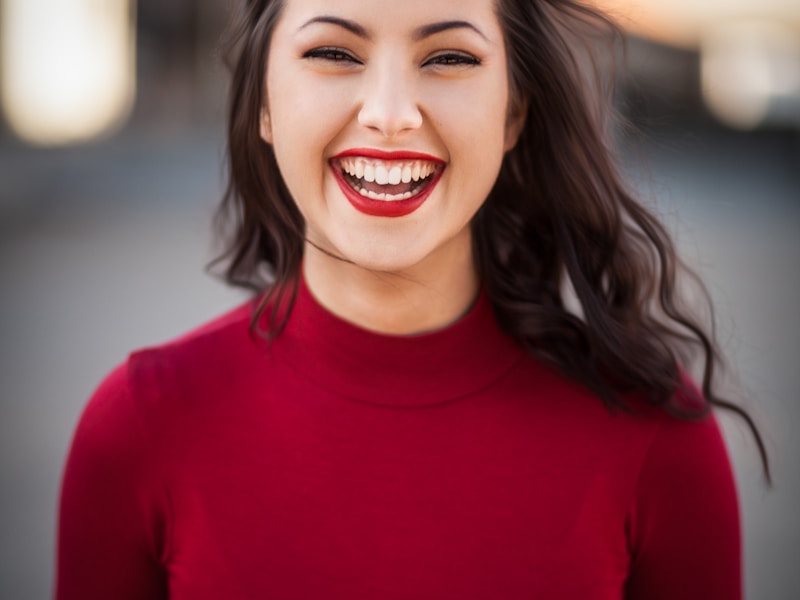
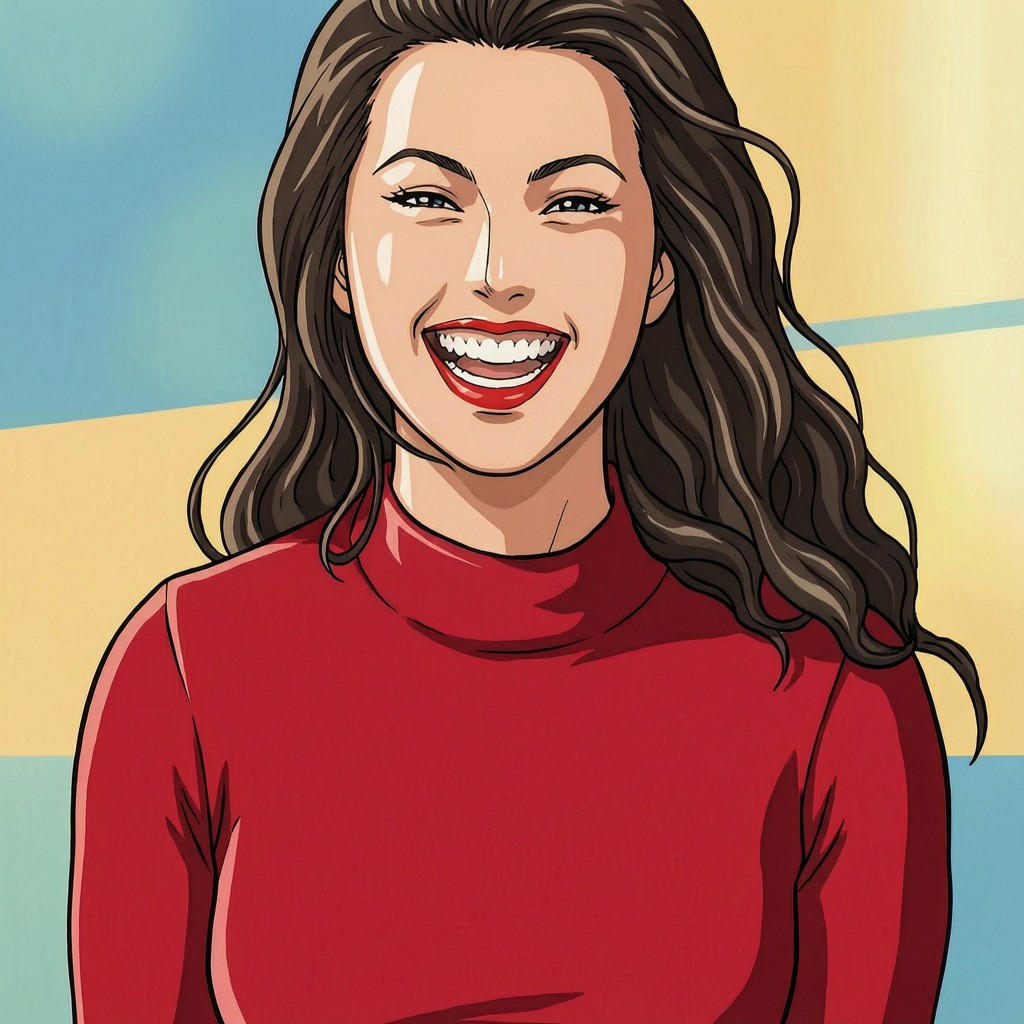
Retro Anime · Real AI · Drag slider
TOOL
picture to Image Generator — Try Free
Upload · Pick style · Generate · 1 free trial per device
Input
Drop your image here
JPG, PNG · Max 10MB
No image? Try a sample:
Preview
Upload a picture and pick a style
Click Generate when ready
Curated Art Styles
Masterfully tuned presets for professional results.

ILLUSTRATION
Dreamy Ghibli

TRADITIONAL
Chinese Ink Wash

FUTURISTIC
Cyberpunk 2077

FINE ART
Classic Oil

STYLIZED
Clay Motion
GUIDE
What is a picture to Image Generator?
A picture to Image Generator is an online tool...
Our free picture to Image Generator runs entirely in your browser.
Every device receives one free generation.
How Our picture to Image Generator Works
Picture to image AI works by sending your source photo...
Quality depends on input clarity, lighting, and style choice.
- Upload your photo — JPG, PNG, or WEBP up to ten megabytes.
- Select an art style such as retro anime, Ghibli, watercolor, or Chinese ink.
- Optionally add a short prompt to guide the picture to Image Generator.
- Click Generate, wait thirty to ninety seconds, then download your styled image.
Picture to Image AI Styles You Can Create
This picture to Image Generator ships with twelve professional presets.
- Anime and retro anime
- Ghibli-inspired soft illustration
- Watercolor and oil painting
- Cyberpunk and 3D cartoon
- Chinese ink wash and gongbi
- Sketch, clay, manga, and flat cartoon
Who Should use a picture to Image Generator?
Content creators use a picture to Image Generator...
Photographers and hobbyists also benefit...
picture to Image vs Text to Image
Text-to-image tools invent a scene from scratch.
Many users combine both workflows...
Why Choose This Free picture to Image Generator
This picture to Image Generator is hosted on fast global infrastructure.
We built the tool for speed and clarity.
Whether you need one free trial or hundreds...
Tips for Better Picture to Image AI Results
Follow these practices...
- Use well-lit photos
- Avoid extreme blur
- Match style to subject
- Keep optional prompts short
- Generate, compare, and download
Ready to create? Scroll to the tool above...
FEATURES
Why Use Our picture to Image Generator
High-Quality Picture to Image AI
Preserves faces, pets, and products.
12 Art Styles Built In
Anime, oil painting, watercolor, and more.
Fast Browser Workflow
Upload, pick a style, and generate — no install.
HOW TO
How to Generate AI Art?
Upload Picture
Upload JPG/PNG or pick a sample
Choose Style
Select from preset styles
Generate
Verify and generate, then download
PRICING
Scale Your Creativity
Start for free, then upgrade to unlock priority speeds.
STARTER
1 trial per device
- check_circleAll 12 art styles
- check_circleStandard speed
- check_circlePersonal use only
PLUS
80 generations per month
- check_circlePriority queue
- check_circle2K HD output
- check_circlePersonal & Small Biz License
- check_circleAll premium styles
PRO
400 generations per month
- check_circleAll styles + fastest queue
- check_circleFull commercial license
- check_circlePriority email support
Activation code sent by email after payment
FAQ